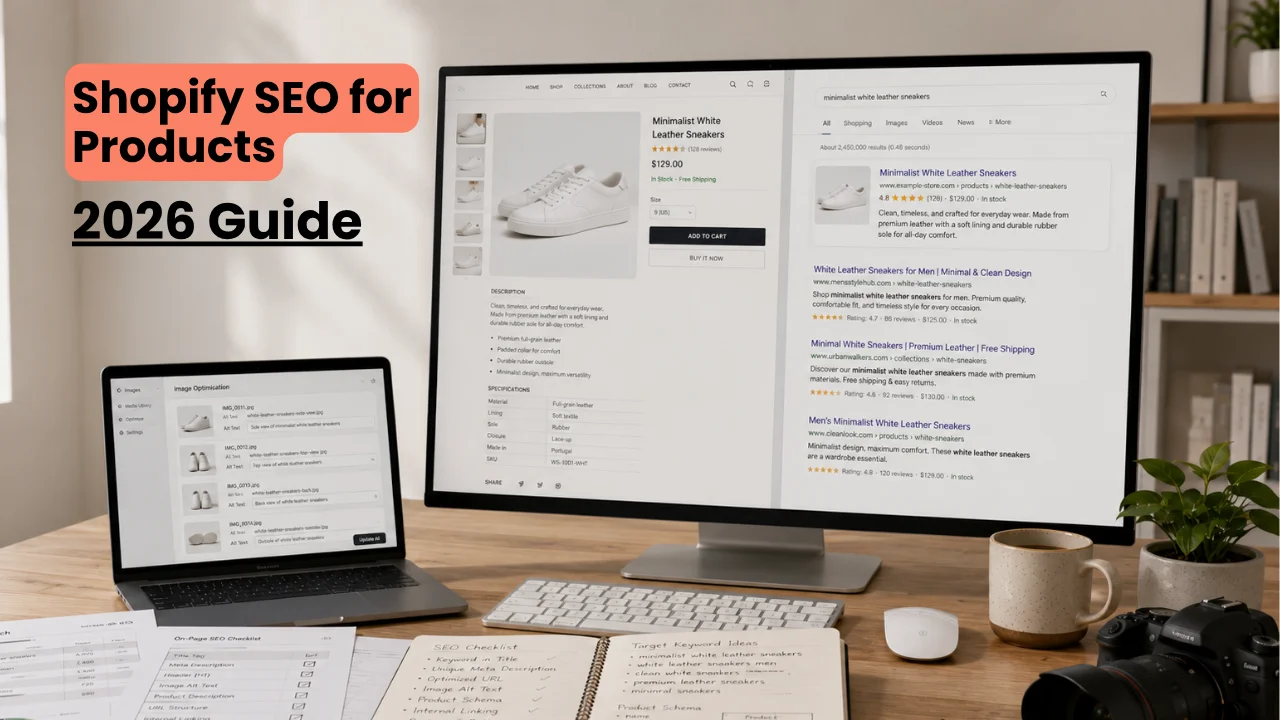
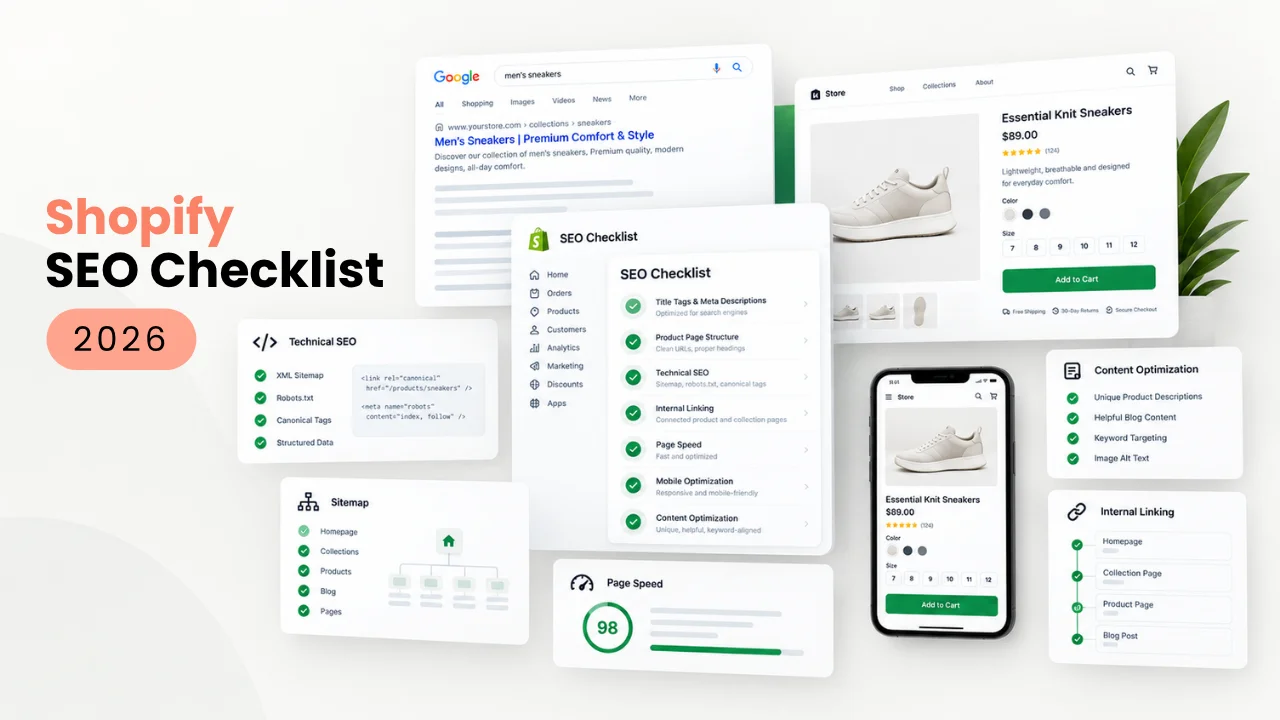
Shopify SEO isn’t one big project. It’s a checklist of smaller technical and content fixes that compound over time. Get the foundations right once, keep your product pages clean on an ongoing basis, and the rest is maintenance.
Our How to Set Up a Shopify Store in 2026 guide covers the setup basics, and our Shopify SEO for Products guide goes deep on product page writing specifically. This post pulls everything into one checklist, organized by what to fix once, what to check on every page, and what to maintain over time.
Key Takeaways
- Most Shopify SEO problems are foundational and only need fixing once.
- Every product and collection page needs its own unique title, description, and alt text.
- Page speed and site structure affect SEO even though neither is a direct ranking factor on its own.
- SEO is ongoing maintenance, not a one-time setup task.
- Blog and product SEO work together. Neither replaces the other.
Store-Wide Technical SEO (Set Once)
These are the foundational items that, once done correctly, rarely need revisiting.
- Remove your store password before you expect Google to index anything. A password-protected store can’t be crawled.
- Submit your sitemap to Google Search Console. Our How to Set Up a Shopify Store in 2026 guide covers exactly where to find this in your Shopify admin.
- Confirm your domain is set correctly, with HTTPS active and one consistent version (with or without “www”) set as canonical, so Google isn’t splitting ranking signals across two versions of the same site.
- Set up 301 redirects for any product or collection URL you change after the page has already been indexed, so you don’t lose the ranking that page already earned.
- Confirm your theme is genuinely mobile-friendly, not just responsive in a demo. Our Best Shopify Themes for 2026 guide covers which themes hold up once real content is loaded.
If you’re setting these foundations up for the first time, our Shopify Store Setup service builds them in correctly from day one, rather than fixing them after the fact.
On-Page SEO for Every Product Page
Every product page needs three things, at minimum: a unique title, a unique description, and alt text on every image. Copying a manufacturer’s description onto your page creates duplicate content that hurts every store using that same text, yours included.
- Write titles that lead with the specific product name and distinguishing detail, not a stuffed keyword list.
- Write your own description for every product, even a short one, instead of reusing supplier copy.
- Add alt text describing what’s actually in each image.
Our Shopify SEO for Products guide covers all three of these in detail. If auditing and rewriting this across an existing catalog isn’t something you have time for, our Shopify Product Page Optimization service handles it directly, page by page.
Collection Page SEO
Collection pages get less attention than product pages, but they’re often the page that ranks for a broader search term, like “organic cotton socks” instead of one specific product.
- Write a genuine description for each collection, not a placeholder line like “Shop our full range.”
- Watch for duplicate content created by filter and sort URLs. If your theme generates a new URL for every filter combination, make sure those are set as non-indexable or canonical to the main collection page.
- Add breadcrumb navigation if your theme supports it, so both shoppers and Google can see how the page fits into your site structure.
Site Structure and Internal Linking
How your pages link to each other matters almost as much as what’s on each page individually. A product page with no path back to its collection, or a blog post that never links to the product it’s discussing, wastes an easy SEO signal.
- Link related products to each other, not just through a generic “you may also like” app block.
- Link from blog content back to the specific product or collection it’s relevant to.
- Keep your navigation menu shallow. If a product is more than two or three clicks from your homepage, both shoppers and Google are less likely to find it.
Page Speed and Core Web Vitals
Google doesn’t apply a direct speed penalty, but slow pages produce worse numbers on what Google does track, like bounce rate and time on page. Speed problems usually come from two places: your theme, and the apps you’ve installed on top of it.
Our Best Shopify Themes for 2026 guide covers which themes hold up once you’ve added real product images.
Content and Blog SEO Beyond Product Pages
Product pages capture people who already know roughly what they want. Blog content captures people earlier, while they’re still researching, and it’s also where you build the internal links that support your product pages.
This only works if it’s part of an ongoing strategy rather than a handful of posts published once and forgotten. Our Ecommerce SEO service covers building and maintaining that broader content and search strategy specifically, beyond just the product page work.
Ongoing SEO Maintenance Checklist
SEO work doesn’t end at launch. Check these on a recurring basis:
- Review Google Search Console monthly for crawl errors and sudden traffic drops.
- Check for broken internal links and 404s after any theme change or product removal.
- Re-test page speed after installing any new app, since apps are a common cause of slowdown.
- Refresh descriptions on your best-performing products periodically, rather than leaving launch-day copy untouched for years.
- Watch for new duplicate content issues introduced by collection filters or added variants.
The Full Checklist at a Glance
Before launch:
- Password removed
- Sitemap submitted to Search Console
- HTTPS and canonical domain confirmed
- Mobile-friendly theme confirmed
Every product and collection page:
- Unique title
- Unique description
- Alt text on every image
- Clean, readable URL handle
Ongoing:
- Monthly Search Console check
- Redirects added for any changed URLs
- Speed re-tested after new app installs
- Old descriptions refreshed periodically
Frequently Asked Questions
How long does Shopify SEO take to show results?
Typically a few weeks to a few months, depending on how competitive your product category is. Technical fixes can help quickly, but content and authority-based improvements take longer to show up in rankings.
Do I need an SEO app for Shopify?
Not for the basics. Titles, descriptions, alt text, and your sitemap are handled through Shopify’s native admin. Apps become useful for bulk edits across a large catalog or for more advanced technical audits.
Is Shopify good for SEO out of the box?
The technical foundation is solid. Fast hosting, automatic sitemaps, and clean site structure are built in. What Shopify doesn’t do for you is write your titles, descriptions, and alt text, or build out your content strategy.
Should I hire someone for Shopify SEO or do it myself?
If you have one product and the time to learn it, doing it yourself is realistic. Once you’re managing a large catalog or want a broader content and backlink strategy running consistently, that’s usually where it makes sense to bring in help.
When It Makes Sense to Get Professional Help
Different parts of this checklist call for different kinds of help, depending on where your store is right now.
If you’re just getting your store live, our Shopify Store Setup service builds these technical foundations in correctly from day one.
If you already have a live catalog that needs its titles, descriptions, and alt text fixed, our Shopify Product Page Optimization service handles that directly.
If you want an ongoing SEO strategy that goes beyond your product pages, our Ecommerce SEO service covers that specifically.
Published by Logicade | Full-Service Digital Marketing and Web Development Agency
If you found this checklist useful and want help working through it, get in touch for a free consultation.